Prime Market Getting Started Guide
Everything you need to go from zero to your first transaction on Prime Market. This guide covers prerequisites, Tor configuration, account creation, wallet funding, and order placement. Follow each step carefully and do not skip the operational security recommendations at the end.
Before accessing Prime Market, make sure every item below is prepared. Skipping any of these steps significantly increases your exposure to phishing, surveillance, and account compromise. Treat this checklist as non-negotiable — every item exists because real users have been burned by ignoring it.
- Tor Browser — Downloaded exclusively from torproject.org. Never use third-party mirrors, app stores, or links from forums. Verify the GPG signature if possible.
- PGP Key Pair — Generate a dedicated keypair using GnuPG or Kleopatra. This key should not be linked to any clearnet identity. It will be used for encrypting shipping addresses and verifying market communications.
- Cryptocurrency Wallet — A Monero wallet is strongly recommended (Feather Wallet or the official Monero GUI). Bitcoin is supported but offers weaker privacy without additional coin-mixing steps.
- Unique Credentials — Your Prime Market username and password must not overlap with any other account you hold. Use a password manager or memorize a strong passphrase generated specifically for this purpose.
- JavaScript Disabled — Set Tor Browser security level to "Safest" before navigating to any .onion address. This disables JavaScript, WebGL, and other features commonly exploited in fingerprinting attacks.
Copy the verified .onion address below and paste it directly into Tor Browser. Compare every character against a trusted source before entering any credentials — phishing clones replicate the interface perfectly, and the URL is the only reliable differentiator.
http://primeyr5lrerg5wigkzd7qp46kaq7f2qco7tgbmdmo2bdvmiwnbixkid.onion
Need to check mirror availability? Visit the status dashboard for real-time uptime data across all mirrors. The overview page also displays the current primary link with verification details.
Quick Verification Checklist
- Address ends with .onion
- Compare the first 8 and last 8 characters carefully
- Bookmark the verified address after first successful visit
- Never follow .onion links from forums, Telegram, or email
- Cross-reference with the address on our homepage
Follow each step in order. Rushing through the initial configuration is the most common source of preventable mistakes. Each section below includes specific guidance that reflects the current state of the Prime Market platform and its onboarding flow.
Install and Configure Tor Browser
Navigate to torproject.org and download the Tor Browser bundle for your operating system. After installation, launch the browser and immediately open Settings followed by Privacy and Security. Set the security level slider to "Safest" — this disables JavaScript, blocks remote fonts, and prevents media autoplay. These restrictions are intentional and directly reduce your attack surface. Prime Market is designed to function fully without JavaScript, so you will not lose any functionality when accessing the marketplace with the most restrictive configuration enabled.
If you are on a restrictive network that blocks direct Tor connections, configure a bridge through the Tor connection settings before proceeding. The obfs4 bridge type is recommended for most users as it provides reliable censorship circumvention. Once your bridge is configured, confirm your connection is working by visiting check.torproject.org before navigating to any marketplace address. This verification step ensures that your traffic is actually routing through the Tor network and not leaking through a misconfigured proxy or VPN.
Navigate to Prime Market
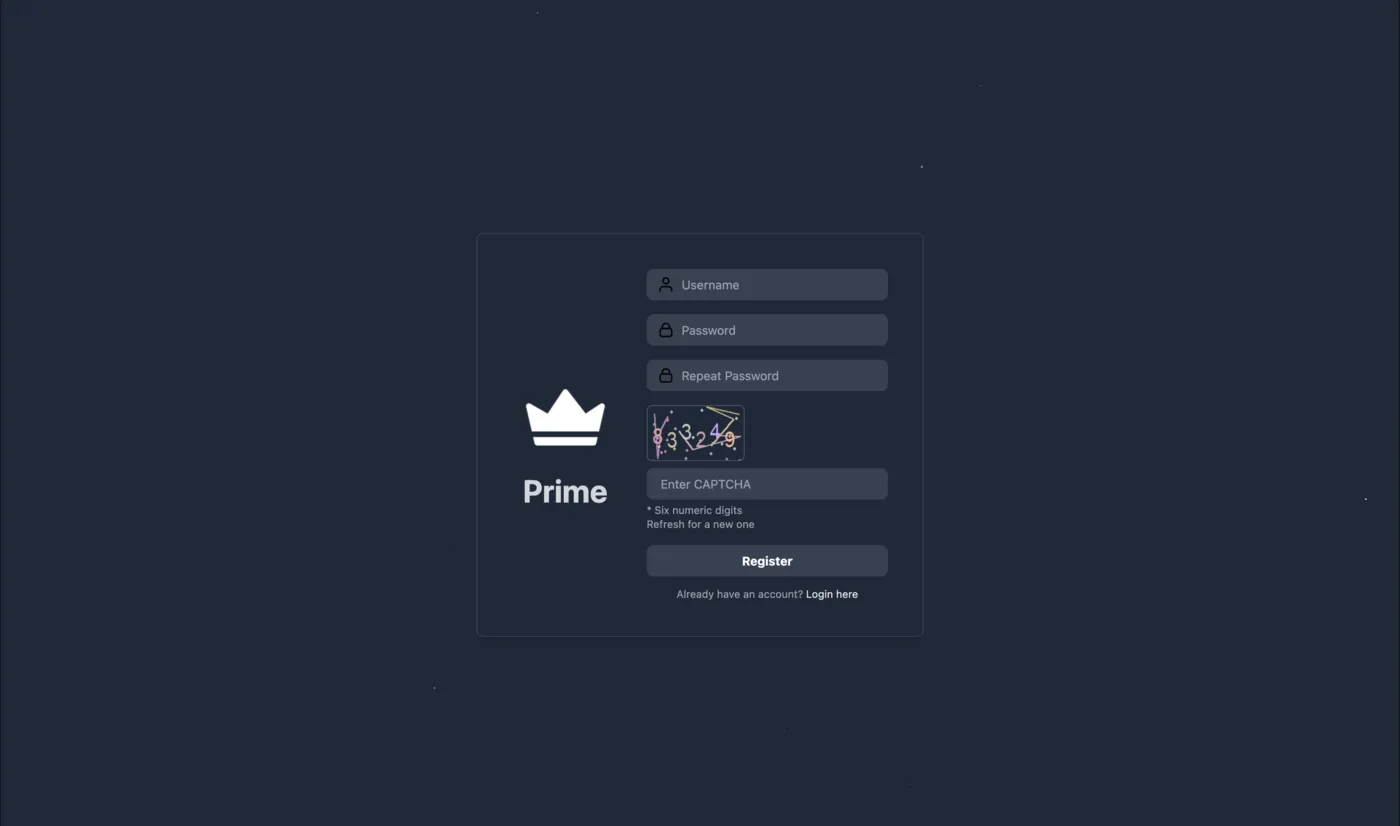
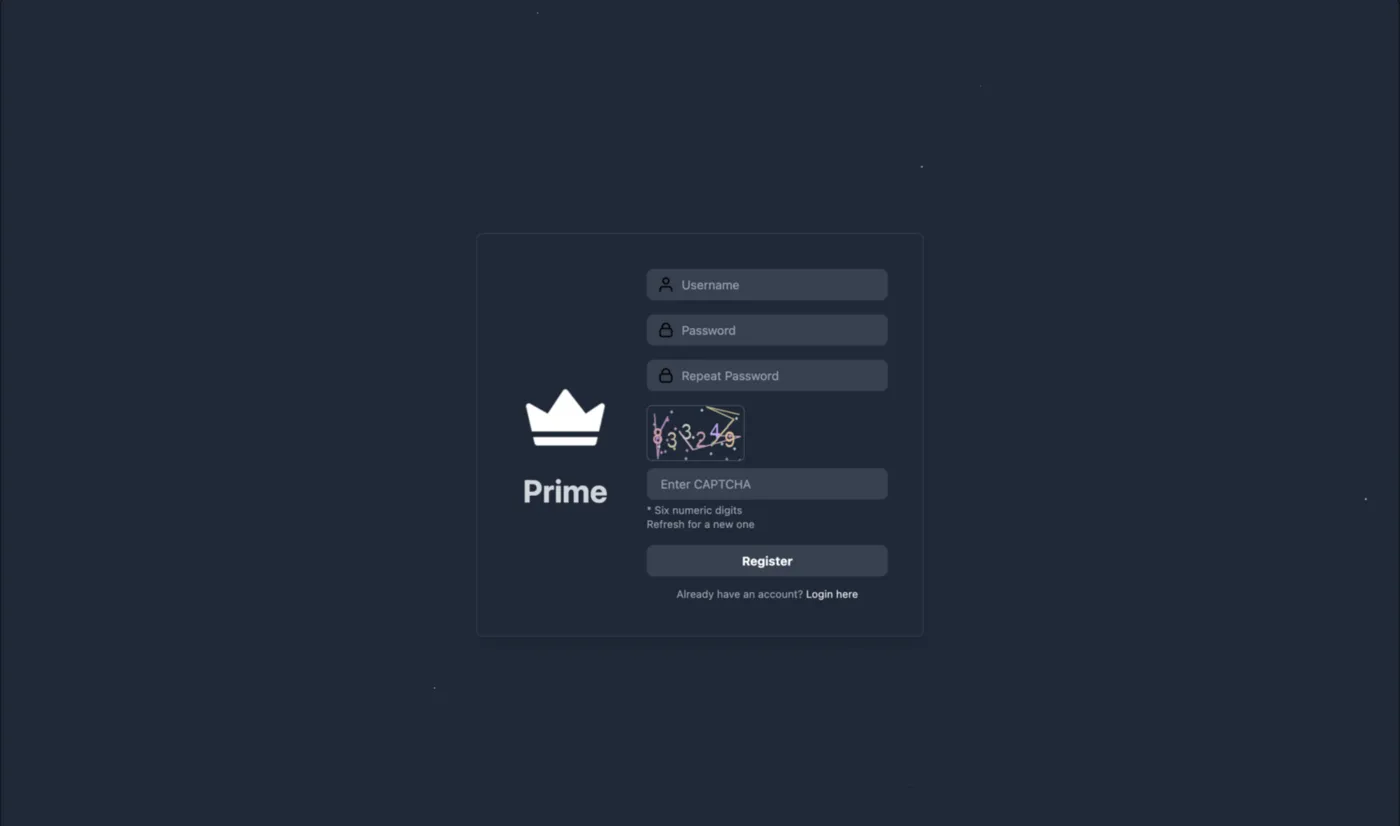
Copy the verified .onion address from the widget above (or from the homepage) and paste it into Tor Browser's address bar. The initial connection may take 10 to 20 seconds as Tor establishes a circuit through its relay network — this delay is entirely normal behavior and does not indicate a problem. Once the page loads, you will see the Prime Market login screen displaying the marketplace logo, a captcha field, and a registration link. Before interacting with any element on the page, take a moment to visually verify the URL in the address bar against the address you originally copied.
Phishing sites often differ by a single character embedded in the middle of the onion hash, making quick visual scans unreliable. Compare methodically, character by character, paying particular attention to characters that look similar such as lowercase L and the number one, or uppercase O and zero. This single habit — careful URL verification — prevents the vast majority of phishing-related account compromises on darknet marketplaces.
Create Your Account on Prime Market
Click the registration link on the login page. You will be prompted to choose a username, set a password, solve a captcha, and optionally configure a security PIN for withdrawal authorization. Use a username that has no connection to any other account you own — usernames on darknet markets are one of the most common vectors for cross-platform identity correlation by both researchers and law enforcement agencies.
Your password should be at least 16 characters long and include mixed case letters, numbers, and symbols. After registration, navigate to your account settings and paste your PGP public key into the designated field. This enables encrypted communications with vendors and marketplace staff, and is required for certain dispute resolution processes. Enable the 2FA login PIN immediately — this adds a second layer of protection if your password is ever compromised through a keylogger, session hijack, or credential stuffing attack. The features overview explains the full account security system in greater detail.
Deposit Cryptocurrency
Once your account is active, navigate to the Wallet section from the account menu. Prime Market will generate a unique deposit address for your account. For Monero (recommended), copy this address into your external wallet — Feather Wallet, the official Monero GUI, or Monero CLI — and send your desired amount. Monero transactions typically confirm within 20 minutes and provide built-in privacy that severs the transaction graph by default.
For Bitcoin users, the process is identical, but you should consider running your coins through a mixing service or CoinJoin implementation before depositing. Direct transfers from centralized exchanges like Coinbase, Binance, or Kraken create a traceable link between your verified identity and the marketplace wallet. Allow at least one network confirmation before your balance becomes spendable. The features page covers the multi-sig escrow mechanics that protect your deposited funds during active transactions.
Browse and Place an Order
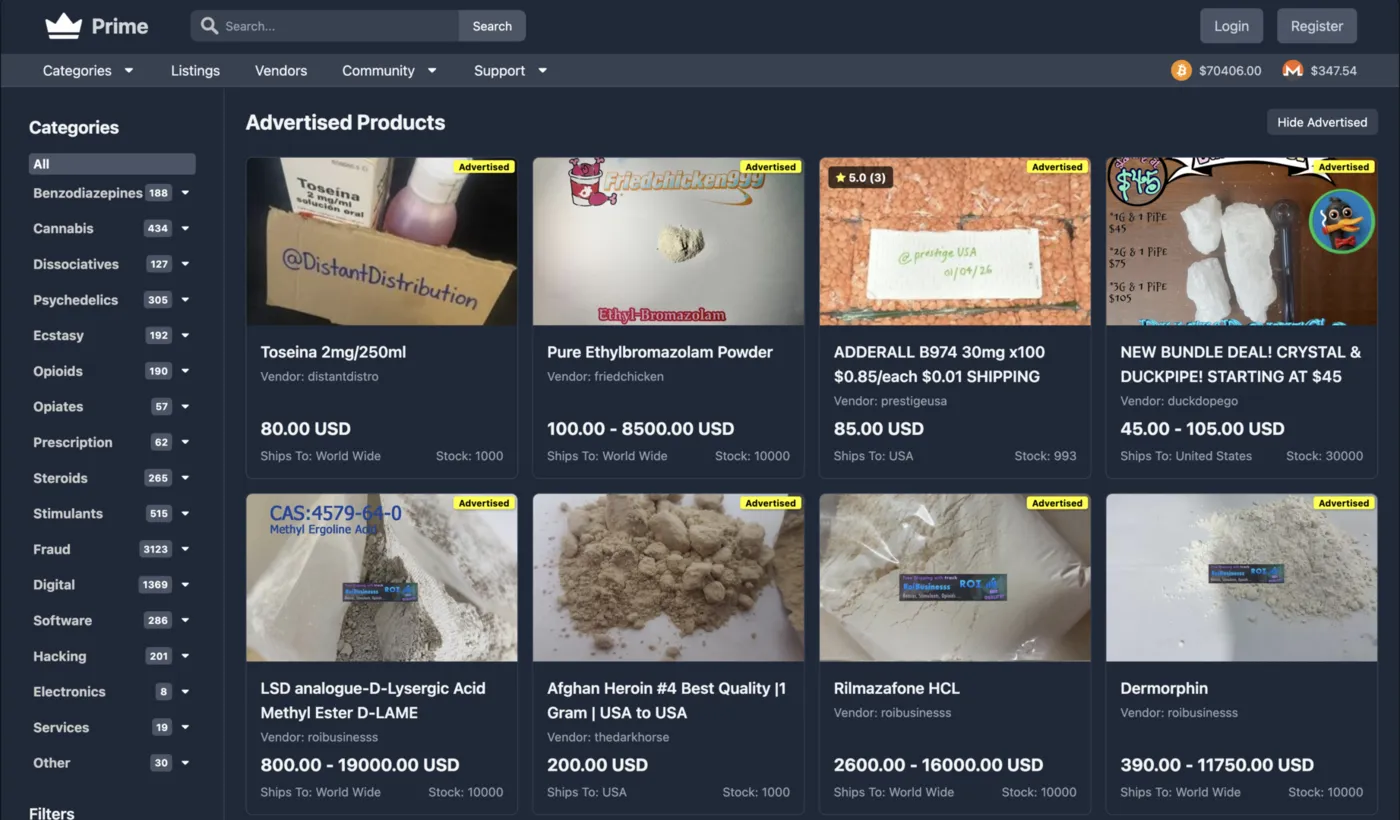
With a funded wallet, you can explore the marketplace. Use the search bar or browse by category to find listings. Prime Market's ranking algorithm weights vendor trust scores, recent completion rates, and dispute history — so top results tend to reflect genuinely reliable sellers rather than those who simply have the highest total sales volume.
Click into a listing to review the vendor's profile, read buyer feedback (pay attention to reviews from the last 30 to 90 days specifically), and check the product description for shipping details. When ready, select your options and confirm the order. Your payment is held in multi-signature escrow until you confirm receipt. Only finalize the order once you have physically received and verified the product. This escrow mechanism is your primary financial protection — it cannot function if you release funds prematurely.
The following warnings address the most frequently encountered mistakes that lead to compromised accounts, lost funds, or identity exposure. Each one represents a pattern observed across multiple marketplace platforms — not hypothetical risks but documented incidents.
These represent the highest-severity risks that can result in immediate and irreversible consequences. Incorporate these practices into every session, not just your first time using the marketplace.
Continue Strengthening Your Setup
This guide covers the fundamentals of accessing and using Prime Market. For deeper knowledge, explore the additional resources available across the dashboard. Each page addresses a specific aspect of marketplace usage and operational security that builds upon what you have learned here.
- Features Overview — Detailed breakdown of escrow mechanics, vendor verification, dispute resolution, and wallet management tools available on Prime Market.
- Security Guide — Advanced threat modeling, PGP configuration walkthroughs, network isolation techniques, and recommended operating system configurations for maximum anonymity.
- Status Dashboard — Real-time uptime monitoring for all Prime Market mirrors, including response times and last-checked timestamps.
- Overview — Return to the main dashboard for a high-level summary of the marketplace and quick access to the verified onion link.